Order confirmation
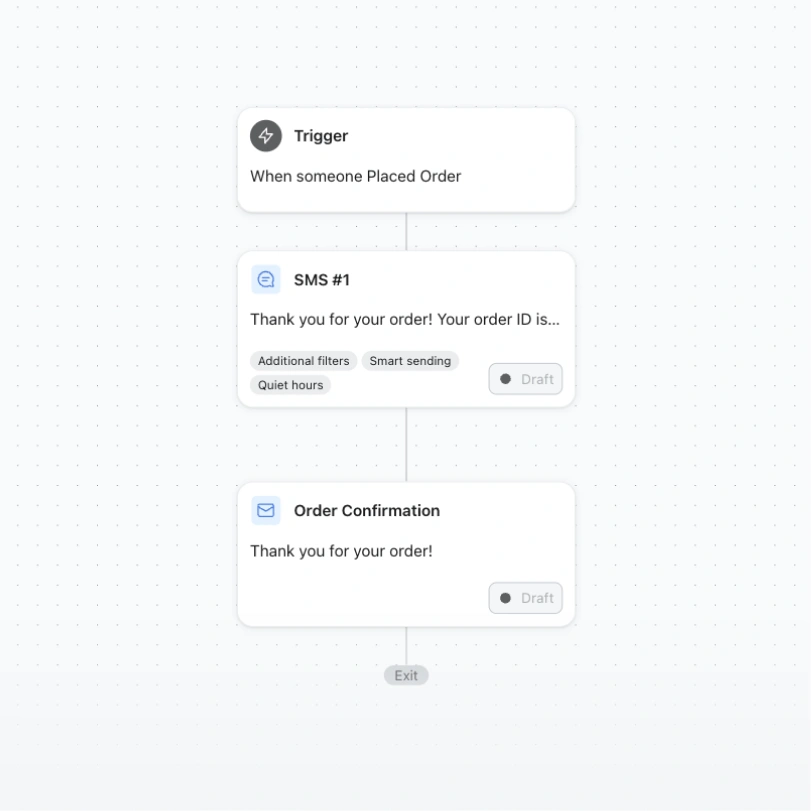
Send an order confirmation email after a customer completes checkout, with all the details they need.
- Standard
Send an order confirmation email after a customer completes checkout, with all the details they need.
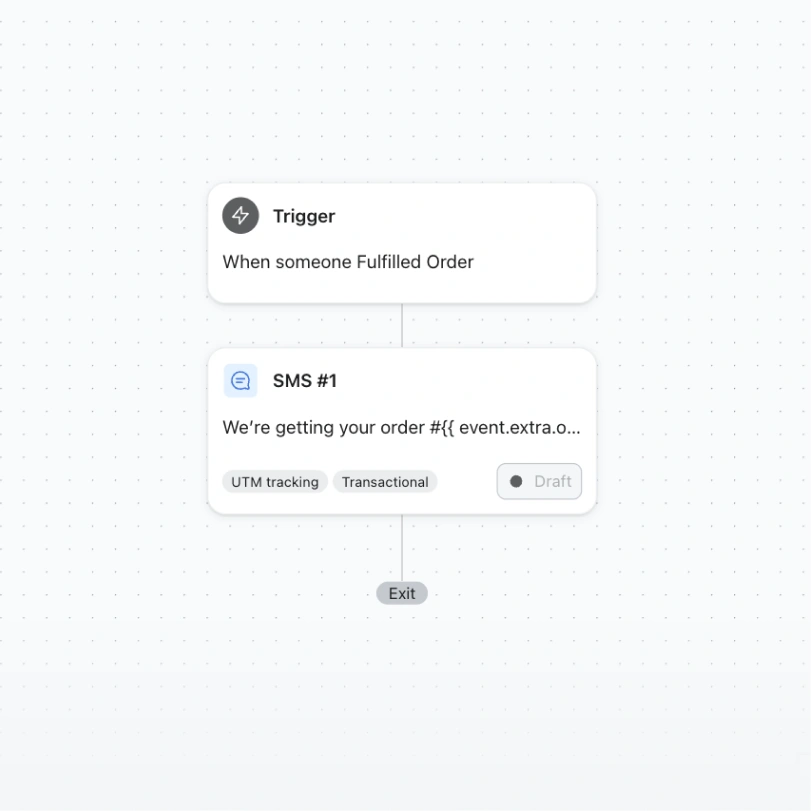
Let your customers know whenever their full order has shipped, with tracking details included.
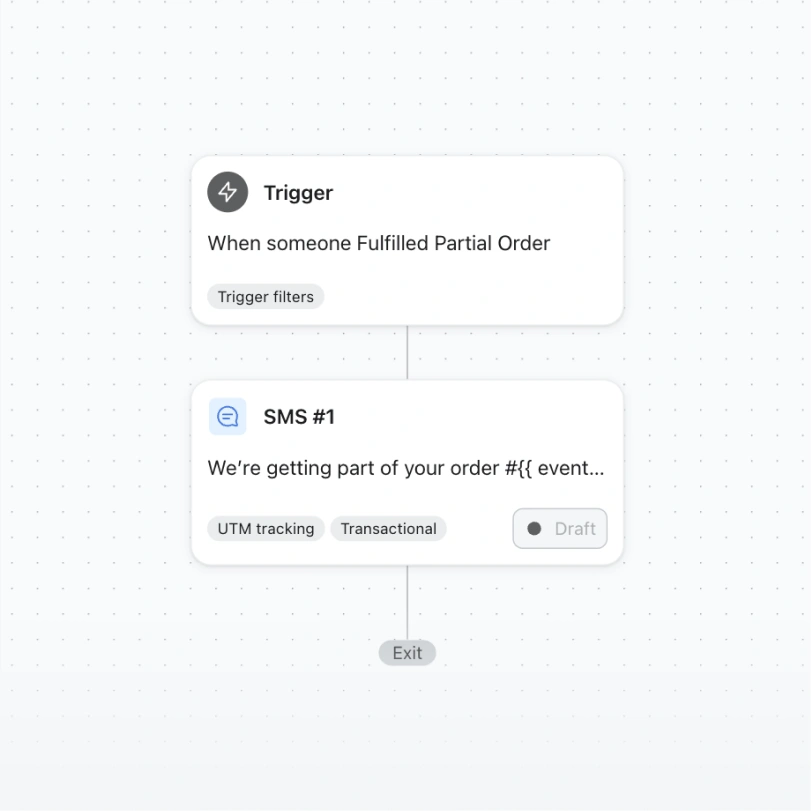
Keep your customers updated as each item in a multi-package order ships, so nothing feels missing.
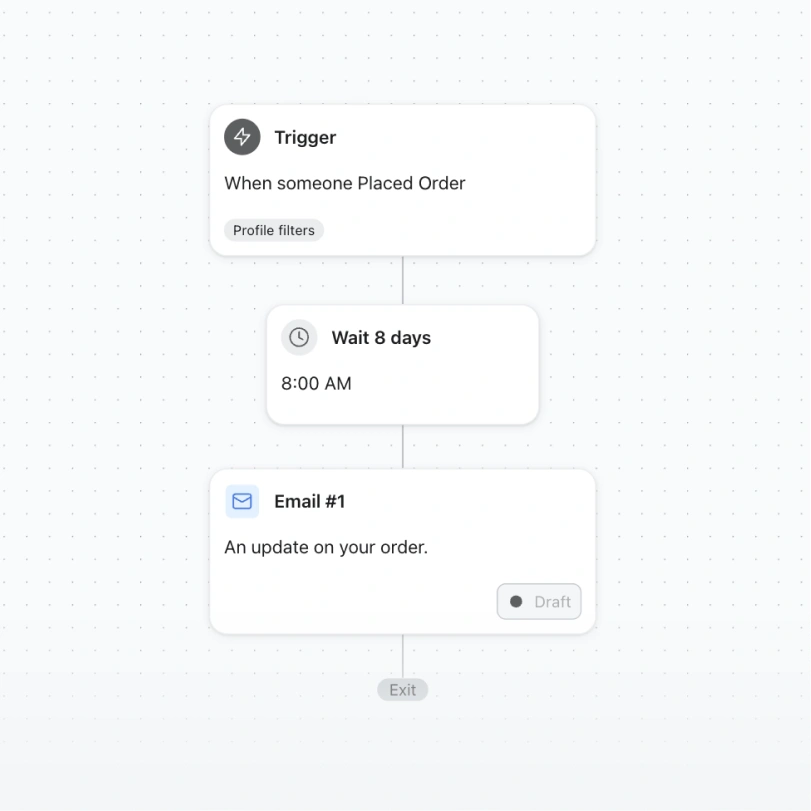
Keep customers in the loop about delays — non-marketing messaging that builds trust when things slow down.
Every flow template comes pre-built with logic, timing, and starter copy across every channel it uses. Preview it, then make it yours.
Filter by goal or channel to find the flow built for the job — from browse abandonment to post-purchase loyalty.
Edit timing, conditional splits, and messaging across email, SMS, and WhatsApp in one drag-and-drop builder.
Sync your store so triggers, product recommendations, and audience splits react to real customer behaviour.
Turn it on and let Klaviyo run the sequence — then track revenue per flow from a single dashboard.
Every template on this page can flex across the channels your customers actually use.
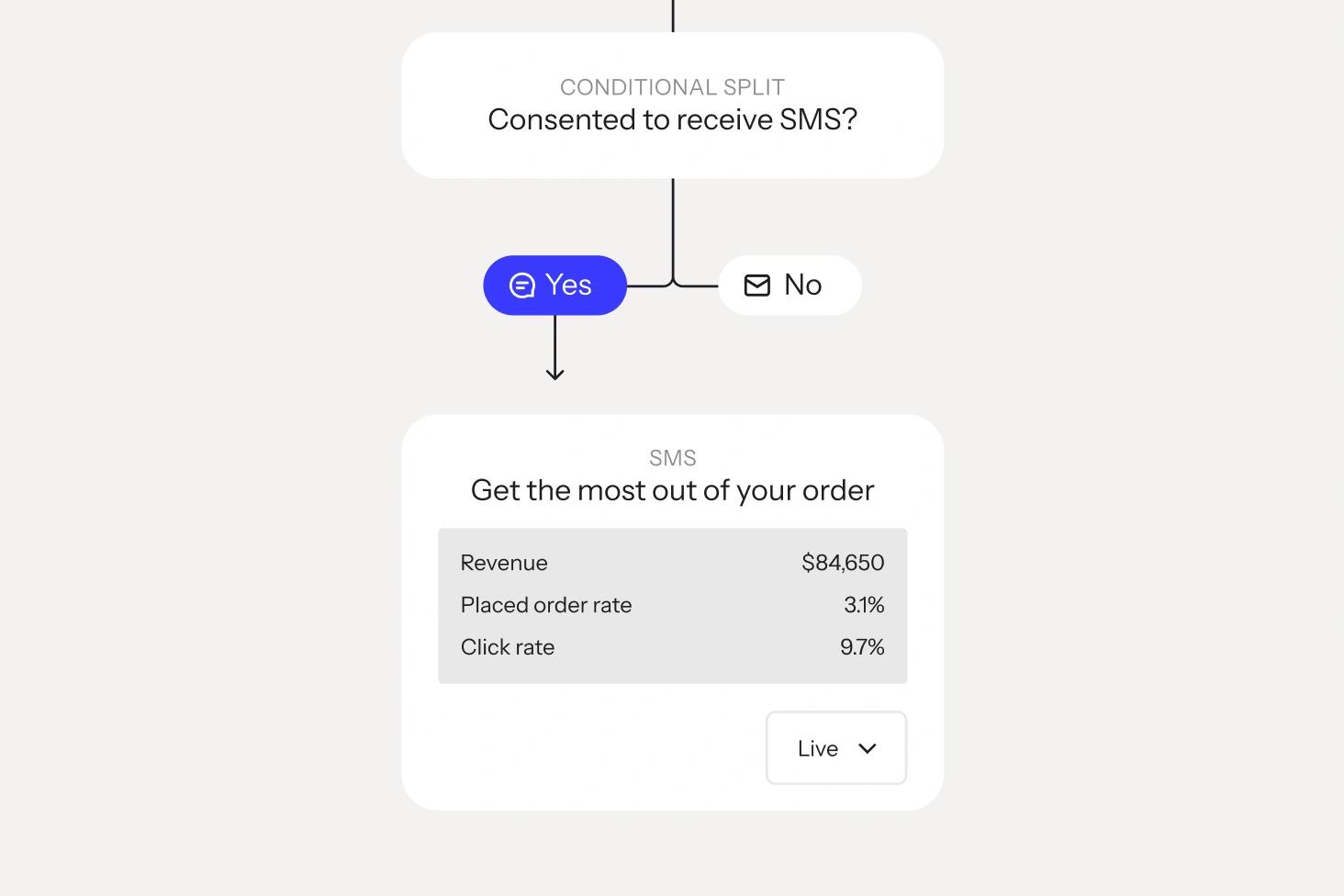
Combine email, SMS, and WhatsApp inside a single automation, with conditional splits that route each customer to the channel they engage with most.
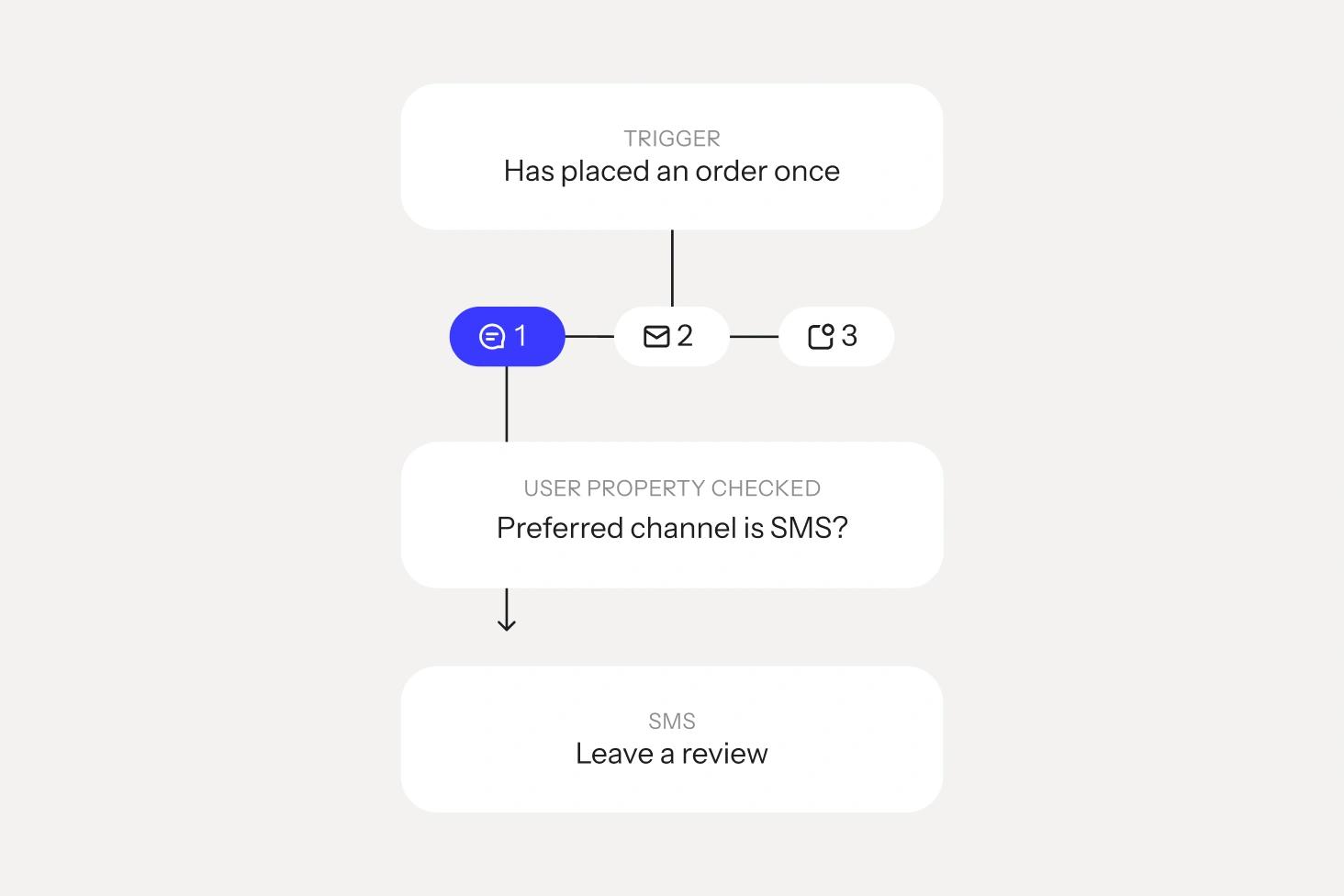
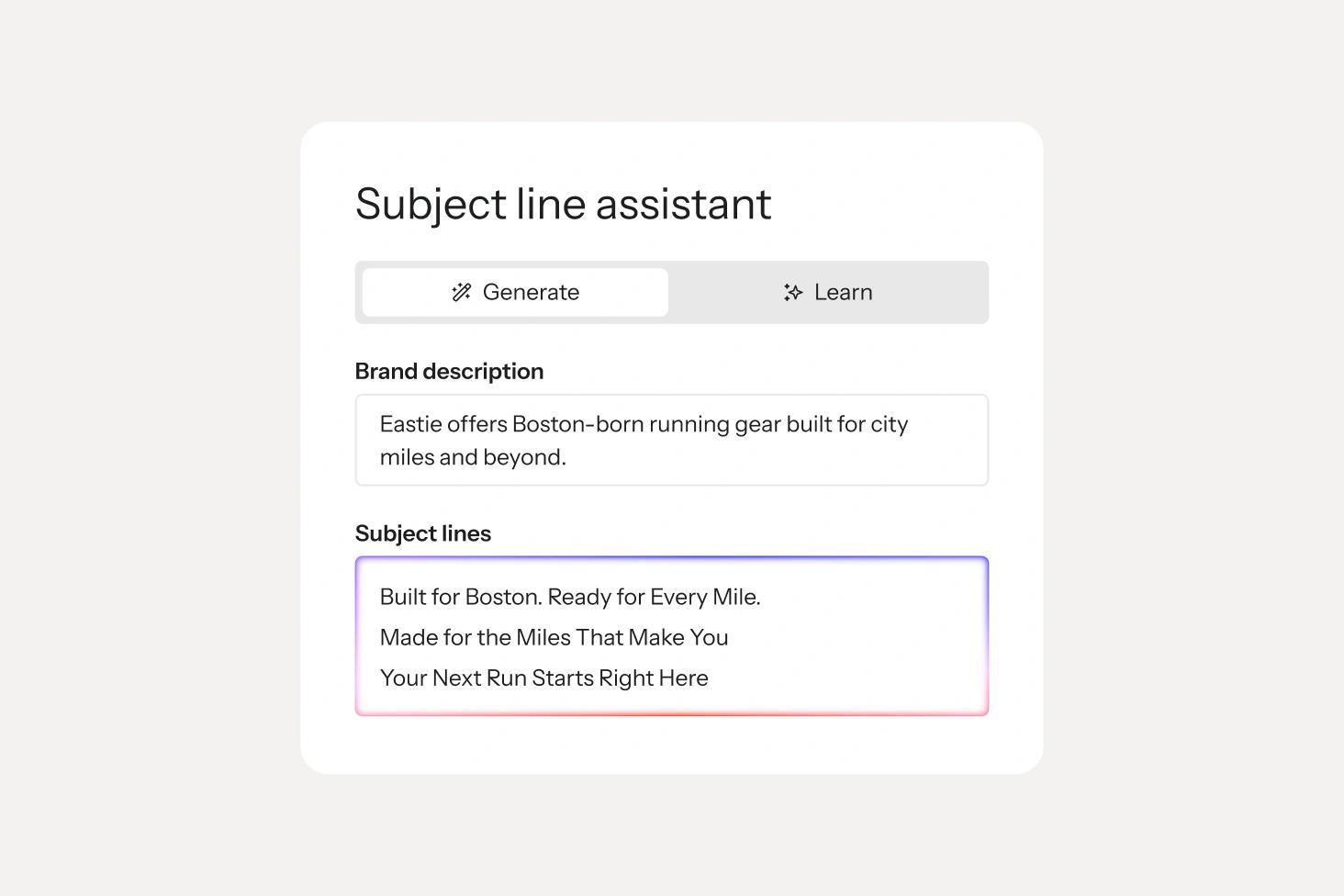
Klaviyo AI drafts subject lines, SMS copy, and send-time recommendations for every template, so you’re editing, not starting from a blank canvas
Every flow reports revenue, placed orders, and engagement back to one dashboard, so you always know what’s working.
Customer Spotlight


Melanie Fox, Director of lifecycle marketing, Dollar Shave Club
Sign up free and start from any template on this page, or get a demo and we'll help you map flows to your customer journey.
Most order status flow triggers start with events your ecommerce platform sends to Klaviyo, like placed order, fulfilled order, and where your platform or shipping integration supports it, shipped and delivered. Each event can start its own flow or a branch of one. The first message is usually the order confirmation, followed by shipping and delivery updates.
Yes, when the messages are transactional, meaning they're about an order the customer already placed. In Klaviyo, you can request transactional status for these flow messages so they reach customers who haven't subscribed to marketing. Email can be marked transactional in metric-triggered flows, like Placed Order, and SMS in post-purchase flows. Keep the content focused on the order itself.Keep them focused on the order itself. Read more about how transactional messages work.
Yes. Order status flows can be sent by email, SMS, and WhatsApp in the same flow, so customers get updates where they actually look. Transactional texts and WhatsApp messages have their own consent rules, separate from promotional marketing. Here's how to ask for transactional SMS consent and send transactional WhatsApp messages.
The essentials come first: order number, items, delivery estimate, and a tracking link that's easy to tap. After that, add what helps, like care instructions, setup tips, or a link to your help centre. Keep promotions light so the message stays focused on the order. For more ideas, see our tips for better shipping confirmation emails.
Proactive updates can answer some of those questions before anyone asks. For the ones that still come in, Customer Agent can answer order status questions over email, web chat, text, and WhatsApp using each customer's order history, and hand them off to your team with full context when a ticket requires human interaction.